OPEN SOURCE · FREE · CROSS-PLATFORM

Xtreme ADB
The Ultimate ADB GUI Wrapper. Manage your Android devices with ease — no terminal required.
Loading version...
The Ultimate ADB GUI Wrapper. Manage your Android devices with ease — no terminal required.
A complete GUI toolkit over ADB and Fastboot — from file management to system tweaks.
Connect multiple devices simultaneously. Switch active device with one click. Auto-detects plug and unplug.
Browse, install, uninstall, force-stop, and extract APKs. Multi-select with Ctrl+Click. Force uninstall system apps.
Browse your device filesystem. Upload, download, rename, delete. Sortable by name or type.
Flash any partition with A/B slot support. Pick from common partitions or write a custom name.
Connect and pair wirelessly. Full Android 11+ pairing support with IP and 6-digit code.
Toggle show taps, pointer location, stay awake. Change DPI and animation scales instantly.
Mirror your screen via Scrcpy, take screenshots, and record your screen — all from the GUI.
Full device backup and restore with a single button. Standard ADB backup format.
Stream live device logs in real time. Start, stop, and save logcat output directly.
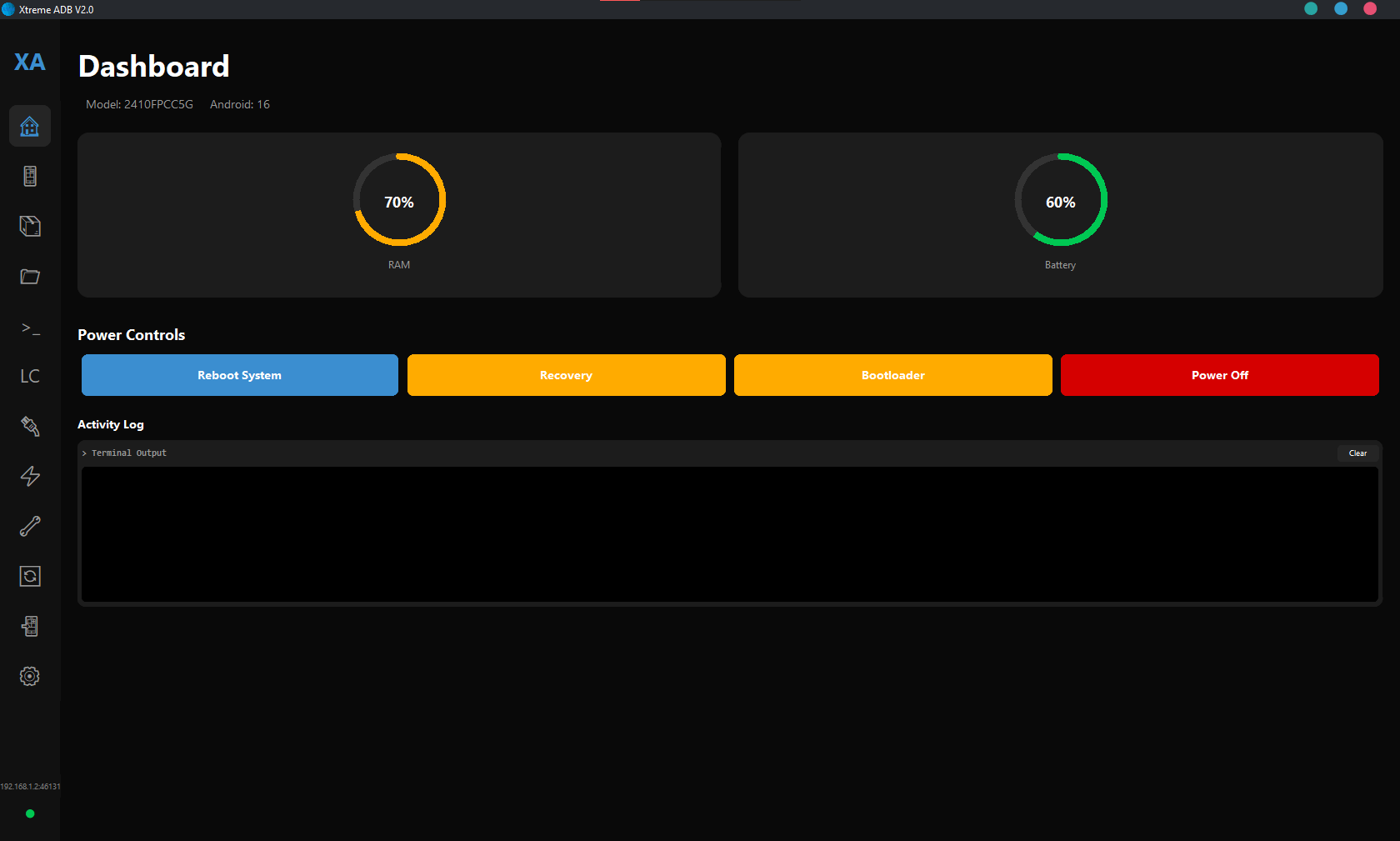
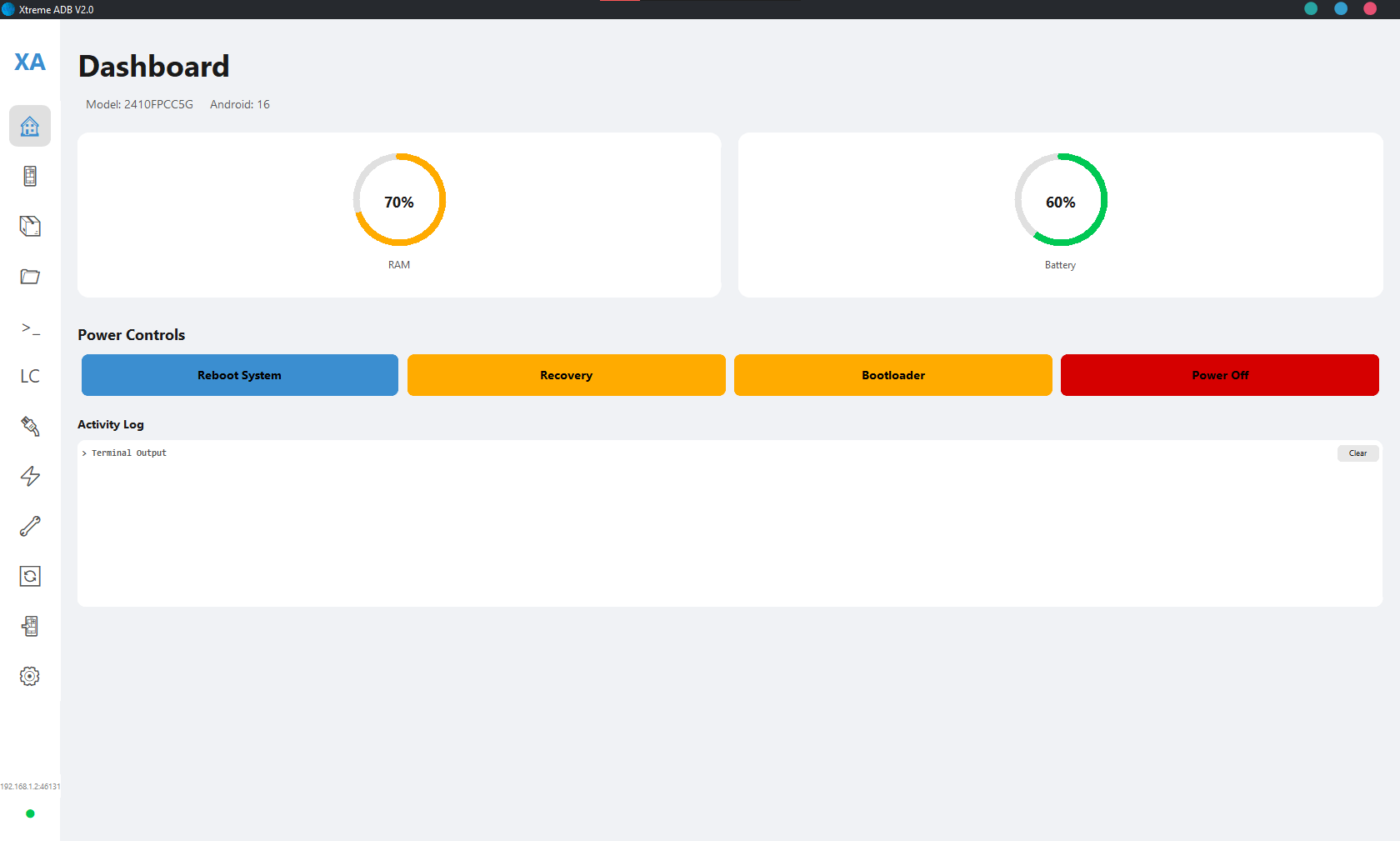
Clean dark interface built for power users.
Latest release highlights.